CS2 Skin Inspect Link Not Working? Troubleshoot the Problem
CS2 Skin Inspect Link Not Working? Troubleshoot the Problem
A shopper considering a Bronze Bundle for a first CS2 loadout encounters an unresponsive skin inspect link before checkout. The failed preview leaves the purchase on hold, but doesn't yet identify the cause.
For the wider purchase checklist, the guide to buying CS2 skins covers the surrounding decisions. Here, the useful distinction is between a link failure, a browser-to-Steam handoff problem, and a preview that fails inside CS2.
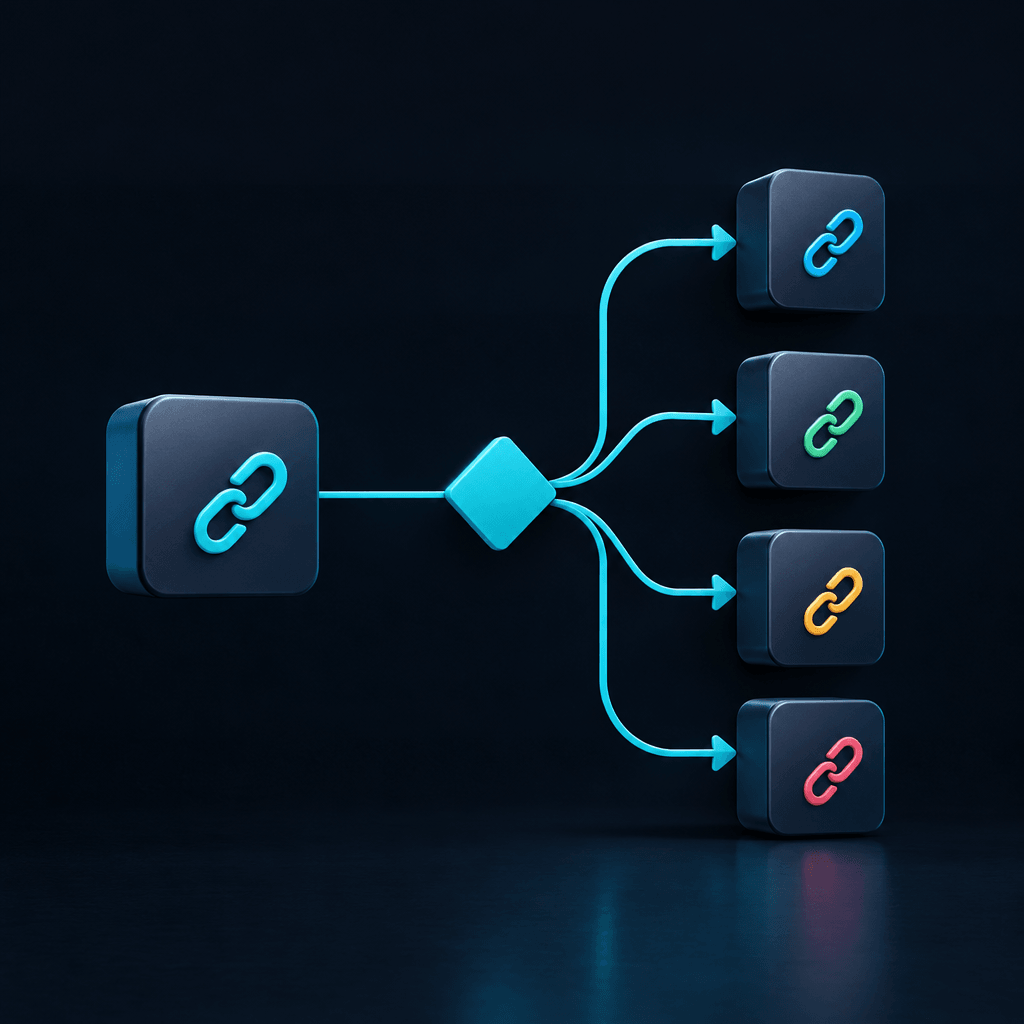
Is cs2 skin inspect link not working limited to one item?
Compare links from their current source
The shopper can reopen the affected item's inventory entry or listing and use its current inspect control, rather than retrying an old message, bookmark, or copied link. A separate, currently accessible item's inspect link provides a comparison.
- Another item opens: the browser, Steam, and CS2 can complete at least that inspection path. Attention shifts toward the affected link or item source.
- Multiple items fail: a broader browser or client problem remains possible, although several links from the same source could share a source-side problem.
- The item page is unavailable: the listing owner or platform needs to clarify availability before further local troubleshooting.
A single successful comparison narrows the problem; it doesn't prove why the other link failed.
Separate the preview from the purchase
Someone browsing AivonStore's CS2 skin bundles should keep inspection behavior separate from bundle contents and order status. A preview is not confirmation that a particular item belongs to an order, remains available, or has been delivered.
For example, a shopper considering the €5 Bronze Bundle might find that a separate item's preview opens while the intended preview fails. That result narrows the inspection issue, but doesn't establish whether spending €5 will resolve it.
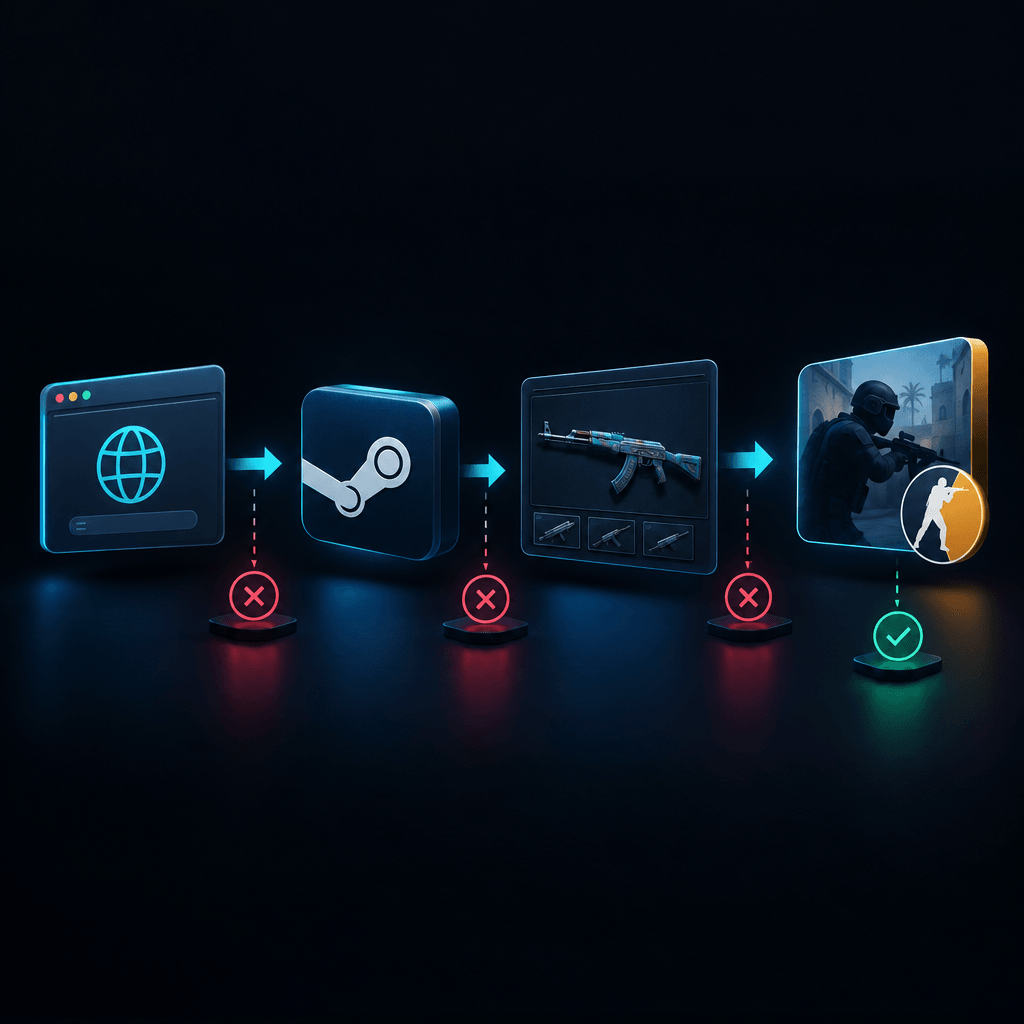
Does the browser open nothing, or fail to reach Steam?
Watch for an application-opening prompt
When cs2 skin inspect link not working affects several items, observing the browser's response is more useful than repeatedly clicking. The shopper can check whether a prompt appears asking to open Steam, whether it was dismissed, or whether the browser reports that no application can handle the request.
A prompt should only be approved when it follows an intentional action on a trusted source and identifies the expected application.
Check Steam independently
Steam should be opened directly, with any normal update or sign-in requirements completed inside the client. The shopper can then launch CS2 from the Steam library and retry the original inspect control.
- Steam won't open independently: the issue extends beyond the inspect link.
- Steam opens, but CS2 won't launch: game-launch troubleshooting takes priority.
- Both open normally, but the browser does nothing: the external-application handoff deserves closer attention.
For a suspected CS2 inspect link browser issue, testing the same current link in another already-installed, trusted browser can help isolate browser-specific behavior. Different results suggest that the original browser's permissions or handling needs review, not that its security protections should be disabled.
Is cs2 skin inspect link not working after CS2 opens?
Wait for the game to become responsive
When CS2 launches without showing the requested item, the launch path has at least partly worked. The shopper can let startup finish, return to the current item source, and trigger inspection again once the game is responsive.
If that changes nothing, a normal restart of CS2 and Steam provides a clean retry without changing system settings.
Compare an in-game inspection
If an inspectable item is available in the shopper's own inventory, its in-game inspection provides another useful comparison. An in-game preview that works while external links fail points toward the external request or source; failures in both paths suggest a broader client or service issue may be involved.
A CS2 skin preview not loading across several items is a reasonable stopping point for Steam support when normal restarts and client updates haven't helped. Menu names and repair options can change, so any further client repair should follow Steam's current instructions.
Does the preview work, but the purchased item appear missing?
Move from inspection checks to order checks
A cs2 skin inspect link not working is not, by itself, evidence of failed delivery. Equally, a working preview doesn't prove seller legitimacy, ownership, or completed delivery.
The shopper should compare the order confirmation, the relevant Steam account's inventory, and any associated trade-offer status. Missing items, unclear order status, or questions about which items were purchased belong with the store's order support team. A failure affecting unrelated inspection links belongs with the relevant platform or client support channel.
FAQ
Can cs2 skin inspect link not working mean the item was sold?
It can be consistent with a changed or unavailable listing, but the failed link alone doesn't establish that. The current item page and confirmation from its source are better evidence than the preview failure.
Should a shopper paste an inspect link into a console?
Unverified commands, downloaded launch helpers, and instructions to disable security protections should be avoided. Troubleshooting should stay with current inspect controls, ordinary application launches, and official support guidance.
What should an escalation report include?
- The affected link source and whether other items fail.
- The browser and any application-opening prompt.
- Whether Steam opens and CS2 launches.
- Whether an in-game inspection works.
- The exact error text and troubleshooting already attempted.
The shopper's next action is to send that record to the relevant support team with the subject "cs2 skin inspect link not working," excluding passwords, Steam Guard codes, recovery codes, and other credentials.