CS2 StatTrak Skins: A Complete Guide
CS2 StatTrak Skins: A Complete Guide
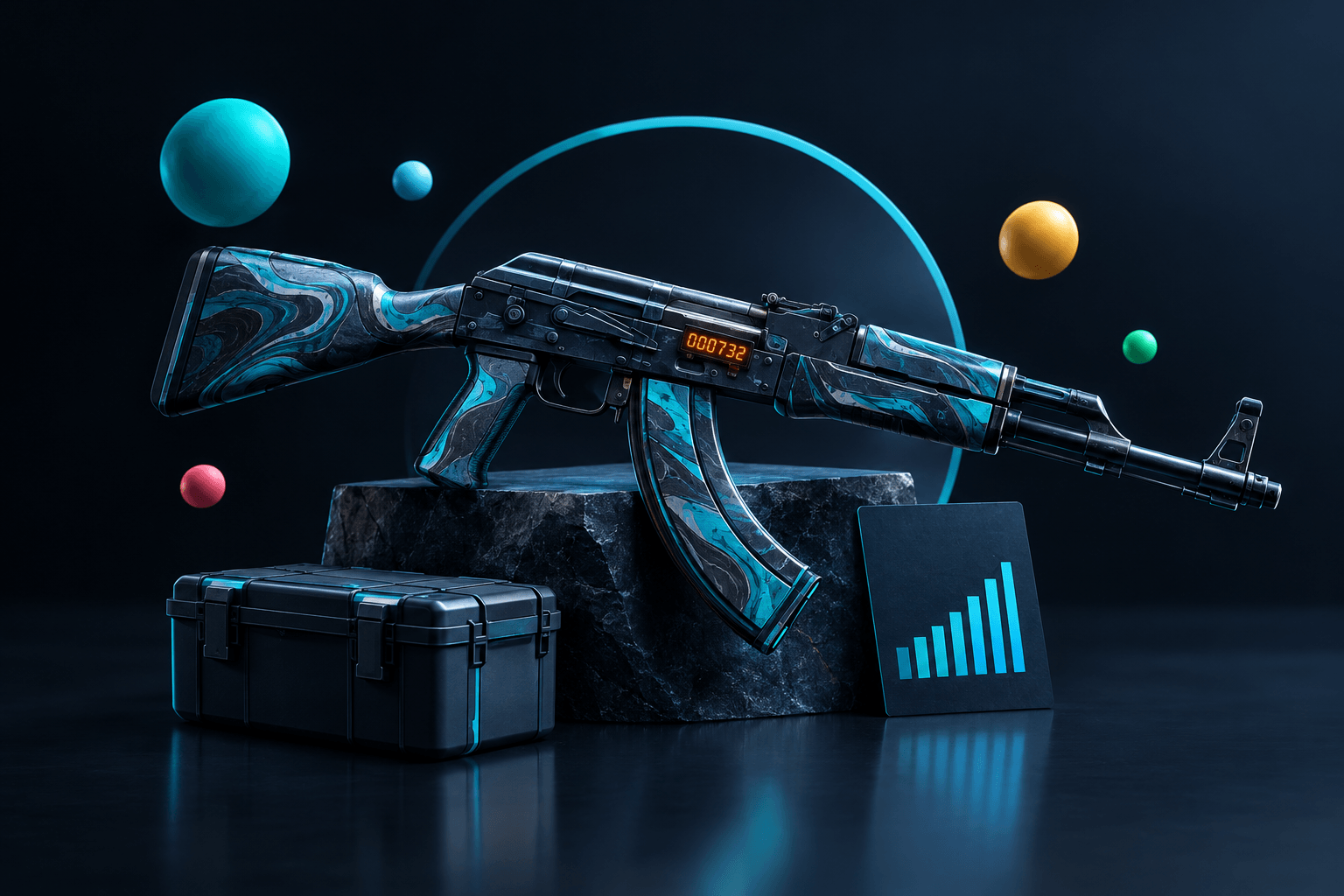
The "StatTrak" label beside a CS2 weapon skin's name identifies a version with a built-in kill counter. For someone searching for stattrak skins cs2, these are cosmetic items that record qualifying kills made by their owner, intended for players who enjoy keeping a visible record on a favorite weapon.
The feature doesn't improve damage, accuracy or handling. Its appeal is personal: a familiar finish also becomes a record of time spent using that particular item.
Buying one still requires the same checks as buying any other skin, plus confirmation that the listing is actually the StatTrak version. The CS2 skin buying guide covers the broader purchase process, including item inspection, account readiness and checks before accepting an offer.
What Are StatTrak Skins in CS2?
StatTrak is an item feature, not a separate weapon class or a better-performing finish. A normal skin and its StatTrak counterpart can share the same design, but the StatTrak item includes a counter associated with that individual item.
On firearms, the counter appears as a digital display attached to the weapon. StatTrak knives display their count differently, through markings on the blade rather than the same attached digital module.
The counter belongs to the item, not to the player's entire history with that weapon type. Kills recorded on one StatTrak rifle don't automatically appear on another rifle with the same finish, and kills made before acquiring the item aren't added retrospectively.
This distinction matters when comparing listings. Two visually similar skins may differ in StatTrak status, exterior condition, float, pattern or applied stickers, so matching the finish name alone isn't enough to establish that they are equivalent.
StatTrak also isn't something that can simply be switched on for an ordinary skin. Someone who wants the counter needs an item that exists in a StatTrak version; a normal item doesn't gain that feature through use, inspection or a change to account settings.
StatTrak vs Normal Skins in CS2: The Main Differences
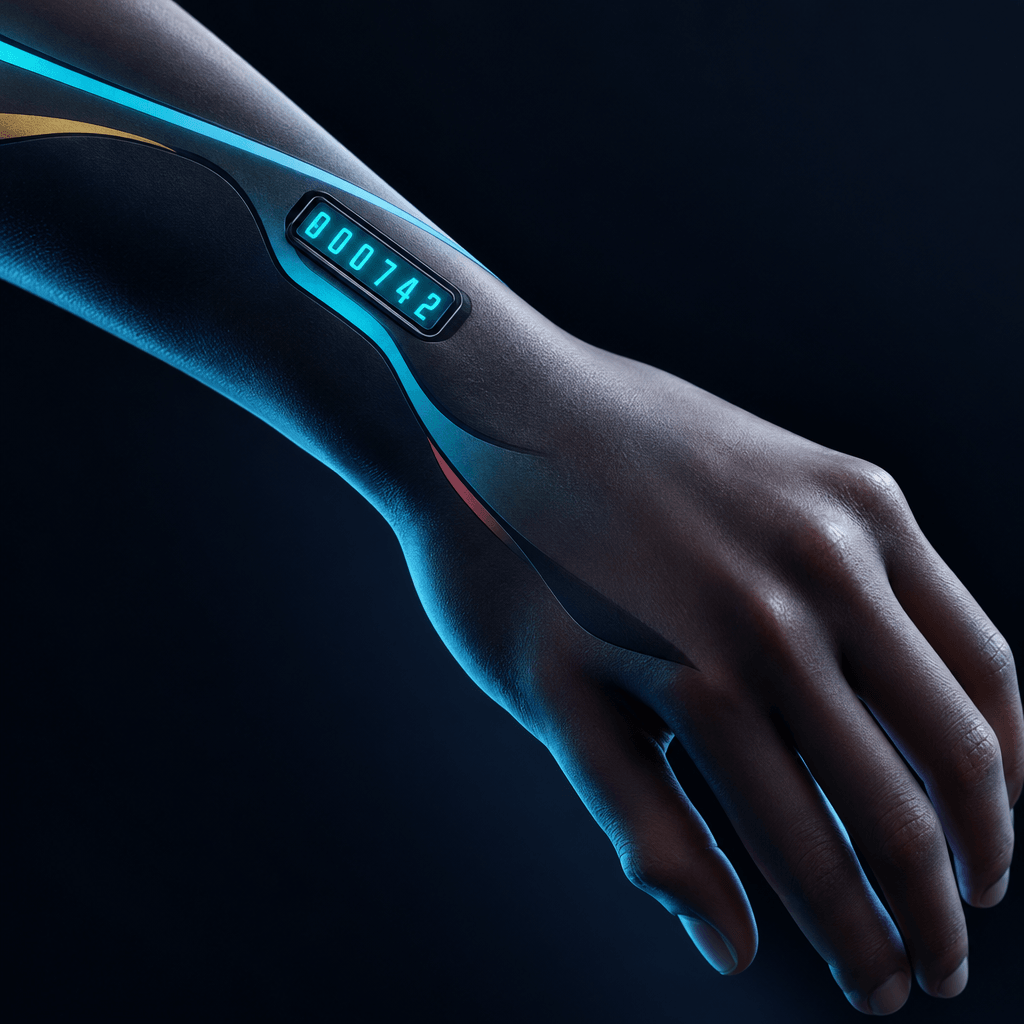
The main difference is the counter, not combat performance. When comparing StatTrak and normal CS2 skins, buyers should separate the value of tracking kills from the value of the finish itself.
| Buying consideration | StatTrak version | Normal version |
|---|---|---|
| Weapon performance | Unchanged by the cosmetic feature | Unchanged by the cosmetic finish |
| Personal kill counter | Included on eligible weapon items | Not included |
| Appearance | Finish plus the counter's visual treatment | Finish without the StatTrak counter |
| Price comparison | Requires equivalent StatTrak listings | Requires equivalent normal listings |
A higher asking price doesn't make the StatTrak version a better purchase for every player. Someone who cares mainly about color, pattern or a clean appearance may prefer the normal version, particularly if the counter crowds an otherwise appealing design.
For a first collection, the beginner loadout guide helps establish which weapons deserve attention before optional features absorb the budget. The planned dedicated comparison will examine this choice more closely; the essential decision is whether tracking kills adds enough personal enjoyment to justify the actual price difference.

StatTrak Counter Not Working in CS2: What to Check First
A counter that stays unchanged isn't automatically broken. The initial checks are whether the item is genuinely StatTrak, whether the player owns it, and whether the test involved qualifying kills against other players rather than bots.
Picking up someone else's StatTrak weapon doesn't build a personal total on that item. Likewise, testing a weapon in a practice environment with bots isn't a reliable way to confirm that its counter is functioning.
The equipped item also matters. A player may own both normal and StatTrak versions of a finish, or have different items equipped for different loadout slots, making a mistaken selection easy to overlook.
After a qualifying kill, inspecting the correct item again and checking for a delayed display update is more useful than immediately assuming the item needs replacing. Persistent problems warrant a check of current Steam Support guidance before any transaction or troubleshooting tool is considered.
The planned troubleshooting guide will expand these checks into a focused diagnosis. A stuck display alone isn't a reason to trade the skin away, buy another copy or use an unfamiliar third-party service.
Which CS2 Items Have StatTrak Versions?
StatTrak versions exist for eligible firearm skins and knives, but the feature isn't available on every finish. The existence of a particular rifle or pistol skin doesn't, by itself, prove that a StatTrak counterpart exists.
For shoppers browsing stattrak skins cs2, the exact item name and variant are more reliable than a category heading. A page labeled "Rifle Bundles" or "Pistol Bundles" describes a weapon grouping, not a promise that its contents include counters.
StatTrak music kits are a related but different category. Their counters track MVP awards in supported official competitive play rather than weapon kills, so they shouldn't be evaluated as if they were firearm skins.
Gloves, stickers, graffiti and charms aren't StatTrak kill-counter items. Attaching a sticker or charm to a normal weapon skin doesn't turn that weapon into a StatTrak version, and collectible categories shouldn't be treated as interchangeable.
Souvenir skins are another separate item distinction. A Souvenir label isn't an alternative way of identifying StatTrak, and a buyer seeking a kill counter needs to verify that specific feature rather than assuming a special item label includes it.
For example, AivonStore's CS2 skin bundles include weapon and collectible categories. Anyone shopping specifically for StatTrak should check the current contents of the individual bundle rather than infer eligibility from its category or tier name.
How StatTrak Counters Work During Play
A CS2 StatTrak kill counter records qualifying kills made with that item by its owner. It isn't an account-wide statistic, a match score replacement or a record of every elimination involving that weapon model.
Kills against bots don't advance the weapon's StatTrak counter. That makes bot practice a poor testing environment, even when the weapon appears correctly equipped and the on-screen kill feed confirms eliminations.
Nor does the feature accumulate a fresh personal history for everyone who picks up the weapon. Ownership matters, which explains why using a teammate's dropped StatTrak rifle shouldn't be expected to behave like using an owned item.
The total persists between ordinary play sessions; it isn't meant to restart with each match. A player who returns to the same owned skin is continuing that item's record, rather than beginning a match-specific count.
A weapon's counter also doesn't capture every contribution made while carrying it. Assists, damage dealt and kills made with a different weapon aren't the same as qualifying kills with the StatTrak item.
Consequently, the count is best understood as a personal item record rather than a complete measure of skill. It doesn't reveal the player's rank, the difficulty of opponents or how effectively that player supports a team.
What Happens to StatTrak Counters When Items Change Owners?
A normal transfer to a new owner through a sale or trade resets the StatTrak count. The seller's displayed total isn't a transferable achievement that the buyer should expect to keep.
That makes stattrak skins cs2 different from collectibles whose visible additions remain part of the purchased item. A listing screenshot may show a large counter value, but that value shouldn't be treated as a permanent feature of the skin after ownership changes.
Dropping a weapon during a match isn't the same as transferring the inventory item through a trade. The player holding the dropped weapon hasn't become its inventory owner, so those situations shouldn't be confused when diagnosing counter behavior.
A StatTrak counter reset also doesn't mean the finish has become more worn. The kill total and the skin's float are separate properties, and changing owners doesn't make the weapon visually deteriorate through accumulated play.
The StatTrak Swap Tool provides a separate way to exchange counts between compatible StatTrak items. It doesn't convert a normal skin into a StatTrak skin, and its compatibility requirements should be checked in the current tool description before purchase.
Anyone replacing a favorite item should therefore distinguish between preserving a count through an eligible tool action and acquiring a different owner's skin. Neither a seller's promise nor an old screenshot overrides the normal behavior of an ownership transfer.
StatTrak, Float and Wear: What to Check Separately
StatTrak status answers whether an eligible item has a counter. Float and exterior condition describe a different aspect of the item: its wear-related appearance within the limits of that finish.
Playing more matches doesn't progressively damage a skin or increase its float. A growing kill count therefore doesn't turn a cleaner-looking skin into a more worn one, and a heavily worn appearance doesn't prove that the item has recorded many kills.
When checking StatTrak skin wear, buyers should inspect the actual item rather than rely solely on the exterior label. Visible scratches, darkened areas or other finish-specific effects can influence preference even when listings share the same broad condition.
The skin float inspection guide explains the separate check needed before committing to a particular item. This is especially useful when similar-looking listings carry different asking prices and their thumbnails don't make the differences obvious.
Pattern deserves its own attention where it affects the finish's appearance. Counter status doesn't guarantee a particular pattern, and an appealing pattern doesn't establish whether the item is StatTrak.
Finally, inspection should include the counter's position and appearance on the weapon. Someone who likes the underlying finish may still prefer the normal version after seeing how the display fits into the complete design during play.
Understanding StatTrak Skin Prices Without Assuming Better Value
StatTrak skin prices reflect the market for a specific variant, not a universal surcharge that applies consistently to every weapon. The relevant comparison is between genuinely similar items offered under comparable purchase conditions.
When pricing stattrak skins cs2, buyers should match the weapon, finish, StatTrak status and exterior first. Float, pattern and applied stickers can then explain further differences that a broad search result may conceal.
Asking prices also need context. A listing shows what a seller wants, while a completed sale, where reliable information is available, provides different evidence about what someone actually paid.
The CS2 skin prices guide develops this comparison across the wider market. It helps separate item-specific qualities from the mistake of treating the cheapest loosely matching result as a fair reference for everything else.
Better value remains a judgment about the buyer's priorities. A normal skin with a preferred appearance may offer more satisfaction than a StatTrak version chosen only because the label sounds more collectible.
Resale should remain a separate consideration. The counter doesn't guarantee appreciation, a quick sale or recovery of the purchase cost, and its accumulated total shouldn't be treated as a lasting resale premium.
How to Choose a Skin From "stattrak skins cs2" Results
The strongest starting point is the weapon a player actually uses. A counter on a frequently equipped rifle may have more personal meaning than one on an expensive item that rarely leaves the inventory.
Appearance comes next, including whether the counter itself looks appealing. Choosing the feature first and tolerating an unwanted finish afterward can undermine the reason for buying a cosmetic item in the first place.
- If personal kill tracking is the priority, then a StatTrak version of a regularly used weapon is a sensible candidate.
- If the finish is the main attraction, then equivalent normal and StatTrak listings deserve a side-by-side inspection.
- If the budget must cover several weapons, then the core loadout should be priced before optional counter upgrades.
- If retaining a current count matters, then Swap Tool eligibility should be checked before replacing the existing item.
- If resale is the main motivation, then the decision needs market evidence rather than confidence in the StatTrak label.
A loadout budget is useful because individual upgrades compete with other purchases. The full loadout cost guide helps separate essential weapon choices from optional additions before spending becomes fragmented.
There is no requirement to make the whole collection uniform. A player can reserve StatTrak for a favorite weapon while choosing normal finishes elsewhere, keeping the feature where it provides the most enjoyment.
Where to Look for "stattrak skins cs2" and How to Verify Listings
StatTrak items can appear on the Steam Community Market and third-party marketplaces that support CS2 items. Availability is specific to the item and seller, so a marketplace category or search result shouldn't substitute for checking the final listing.
Searches for stattrak skins cs2 often bring together different finishes, conditions and purchase formats. The useful result is the one that identifies the exact item being sold, not simply one that includes the right words in its page title.
The full item name should show StatTrak status, and the inspect view should agree with the listing. A seller's description or generic product image is weaker evidence than item-specific information attached to the proposed transaction.
Applied stickers add another layer of comparison. The CS2 skin stickers guide explains their role in finished crafts, helping buyers avoid attributing an entire price difference to StatTrak when decoration also contributes.
Bundle purchases require particular care because the purchase may cover a defined group rather than a single selected inventory item. The relevant checks are the published contents, the variants included and any clearly stated limits on item selection.
Transaction checks belong alongside item checks. Buyers should confirm the seller or service identity, current account requirements, final charges, delivery terms and applicable refund conditions before payment, without assuming that another site's process applies.
Any offer requesting an extra "verification" trade deserves scrutiny. Checking the actual recipient and item details through the legitimate platform is safer than following instructions sent through unsolicited messages or lookalike pages.
Getting Started: A Pre-Purchase and In-Game Checklist
A short checklist keeps the purchase focused on what can actually be confirmed. It also separates a buying mistake, such as selecting the normal variant, from a later misunderstanding about how the counter behaves.
- Identify the exact item. The weapon, finish and StatTrak designation should match the intended purchase, including any distinction from a Souvenir item.
- Inspect its appearance. Float, exterior, relevant pattern details and applied decorations deserve separate attention rather than being inferred from the name.
- Compare equivalent listings. A normal version or a differently decorated item isn't automatically a valid price reference for the chosen skin.
- Check the transaction conditions. The total payable amount, account readiness, delivery terms and applicable refund conditions should be understood before proceeding.
- Confirm the received item. Inventory details should agree with the purchase, and the seller's previous kill total shouldn't be expected to remain.
- Equip and test appropriately. The owned StatTrak item should be equipped in the relevant loadout slot, with qualifying player kills used to assess counting behavior rather than bot practice.
If the result is unexpected, the first response should be a careful StatTrak diagnostic check of the item and test conditions. Buying tools or replacing the skin before establishing the cause can create an unnecessary expense without resolving the original issue.
FAQ
Are stattrak skins cs2 better for competitive play?
They offer no damage, accuracy or handling advantage over normal versions. Their competitive use is the same as that of the underlying weapon; the extra feature is a personal counter, not an upgrade to its performance or a reliable measure of player skill.
Are StatTrak skins worth it for someone building a first loadout?
They can be worthwhile when tracking kills matters to the player and the chosen item fits the budget. Someone still selecting core weapon finishes may prefer to establish the loadout first, then compare the additional cost of StatTrak on the weapons used most.
Does a larger kill count make a skin look more worn?
No. The StatTrak count and the skin's float are separate, and ordinary use doesn't progressively wear down the finish. A high count can appear on a clean-looking item, while a visibly worn item can have a fresh counter following an ownership transfer.
Can an ordinary skin become StatTrak after enough kills?
No. Using a normal skin doesn't turn it into a StatTrak version, regardless of how often it is equipped. A buyer seeking the feature needs an eligible StatTrak item; the Swap Tool exchanges counts between compatible StatTrak items rather than adding counters to normal ones.
Should a seller's displayed kill total affect a buying decision?
It shouldn't be treated as a lasting part of the purchase because a normal sale or trade to a new owner resets the count. The useful purchase checks remain the exact variant, appearance, item-specific details and transaction conditions, rather than the seller's accumulated history.
For stattrak skins cs2, How to Buy CS2 Skins and CS2 Skin Prices are practical next reads.